
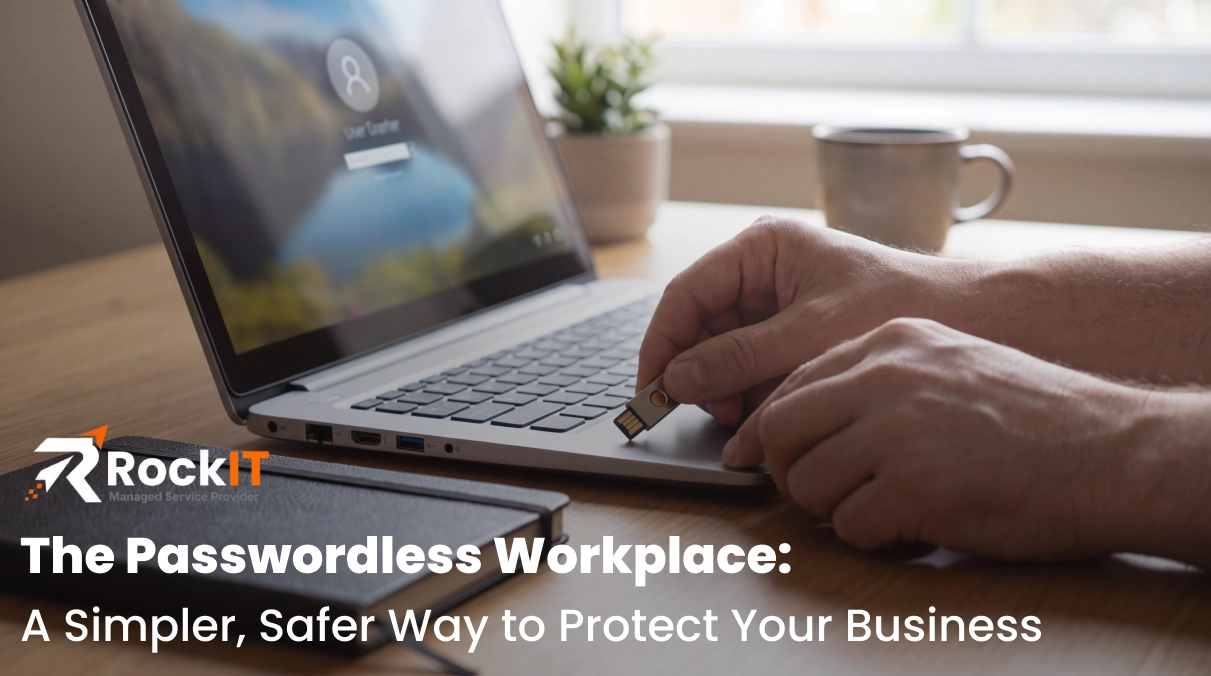
Businesses have spent years trying to make passwords more secure. But what if a better approach is to reduce how often employees need to use passwords in the first place? In fact, what if you made your workplace passwordless?
Think about how many passwords your office uses throughout the day for things like emails, financial systems, customer databases, and more. Each account has different password requirements, making it hard to keep track of them all. Credentials are forgotten, passwords get reused and reset, and your business and customer information can quickly become compromised.
The days of remembering passwords, writing them down on sticky notes, and adding another number and symbol to the end of ‘password’ every 3 months are over. Instead of focusing exclusively on creating stronger passwords, it's time to rethink how your employees authenticate in the first place by going passwordless.
What is a Passwordless Workplace?
What does it mean to be passwordless? It’s as simple as it sounds.
Going passwordless means utilizing another form of authentication, such as an authenticator app, passkey, or other form of verifying your identity without requiring the same password at each sign-in. This gets around weak, vulnerable passwords that are very easy for hackers to guess.
A passwordless workplace doesn't necessarily mean that every password is going to be eliminated. Rather, it means that employees will rarely need to interact with passwords because other technologies manage authentication or credentials for them.
What Does a Passwordless Workplace Look Like?
Several technologies can help businesses move toward a passwordless workplace, although they don't all provide the same security benefits. These include single sign-on (SSO), password managers paired with hardware security keys, passkeys and Windows Hello for Business.
Single Sign-On (SSO)
One of the first approaches to a passwordless workplace would be through an SSO system. Take for example, you may consider using Microsoft Entra ID to have one login for a variety of systems such as Outlook, Teams, OneDrive, etc., rather than individual logins for each system.
An SSO reduces the number of separate credentials that your employees need to manage, but it isn’t automatically passwordless. The main sign-on may still require a password unless it’s configured with a passwordless method.
Password Managers and Hardware Security Keys
Another option includes password managers and hardware security keys. The capability of these features heavily depends on how they are configured and what they are supporting.
A password manager, such as 1Password, for example, generates, stores, and autofills credentials so that you don’t have to remember them. The passwords are strong, unique, and are much harder for hackers to guess.
To add an extra layer of security, it’s often suggested to also use hardware security keys, such as a YubiKey. These are physical devices that help verify a user's identity, often through a USB connection or wireless tap.
Passkeys
Another option for a passwordless workplace is through using passkeys, which are tied to specific users and devices and use biometrics or PINs to verify the user’s identity. A lot of people already use passkeys on their cellphones (think fingerprints, face recognition, 4–6-digit PIN, etc.).
Properly implemented FIDO2 (Fast Identity Online) passkeys use cryptographic authentication tied to the legitimate website or service they were created for. This means that even if a hacker tricks someone into visiting a fake login page, their passkey won't work on that fraudulent site. This makes passkeys resistant to common phishing attacks.
Windows Hello for Business
Many Windows users may already be familiar with Windows Hello, which allows them to sign in to their devices using facial recognition, a fingerprint, or a PIN instead of a traditional password.
Windows Hello for Business builds on this concept. It uses two-factor authentication designed for organizations. It combines something an employee has (their device) with something they know (a PIN) or something unique to them (their fingerprint or face). When an employee signs in, their PIN or biometric verification unlocks a secure credential stored on their device. This allows them to authenticate without entering a traditional password.
Windows Hello for Business works with an organization's identity system, such as Microsoft Entra ID, allowing employees to securely access supported business applications and services.
It’s important to note here that not every webcam supports Windows Hello facial recognition. A compatible infrared camera is generally required. Although, employees can still use other supported sign-in methods, such as a PIN, without one.
While these technologies work differently, they share a common goal: reducing the burden of password management while helping businesses maintain secure access to their systems.
Why Should Businesses Consider Going Passwordless?
Your traditional passwords can be guessed, stolen, reused, or exposed through phishing attacks. Properly implemented phishing-resistant authentication can reduce these risks by making it more difficult for attackers to gain access to business accounts using stolen credentials.
Beyond security, reducing password-related frustrations can also improve everyday operations. For example, when an employee forgets a password and gets locked out of an important application, they may have to stop working until IT can restore their access. Reducing these interruptions allows employees to spend less time dealing with login issues and more time focusing on their work.
A passwordless workplace can also simplify IT management. Fewer password resets, more centralized access management through SSO, and more efficient processes for granting or removing employee access can help businesses manage their systems more effectively.
Does Going Passwordless Mean Starting From Scratch?
The idea of going passwordless might sound like a major change, but it doesn't necessarily mean replacing your existing technology.
Some applications already support features like SSO, passkeys, or security keys, while older systems may still require the traditional password approach. Rather than changing everything at once, businesses can gradually introduce these technologies based on their existing systems and security needs.
It's also important to have secure backup authentication and account-recovery procedures in place, especially when using physical security keys. IT professionals can help evaluate compatibility, plan for potential challenges, and determine which changes make the most sense for your business.
Taking the First Step Toward a Passwordless Workplace
Strengthening security doesn't always have to mean making things more complicated for employees. By reducing reliance on traditional passwords, businesses can create a more convenient sign-in experience while improving how they protect company information.
The first step is understanding how employees currently access company accounts and applications. Where do password-related frustrations or vulnerabilities occur most often? Which systems already support more secure authentication methods?
The right approach depends on your business's existing technology and security needs. RockIT can help you evaluate your current systems, identify opportunities for improvement, and determine which authentication solutions make the most sense for your team. Contact RockIT to learn how you can simplify employee access without compromising security.
0 Comments